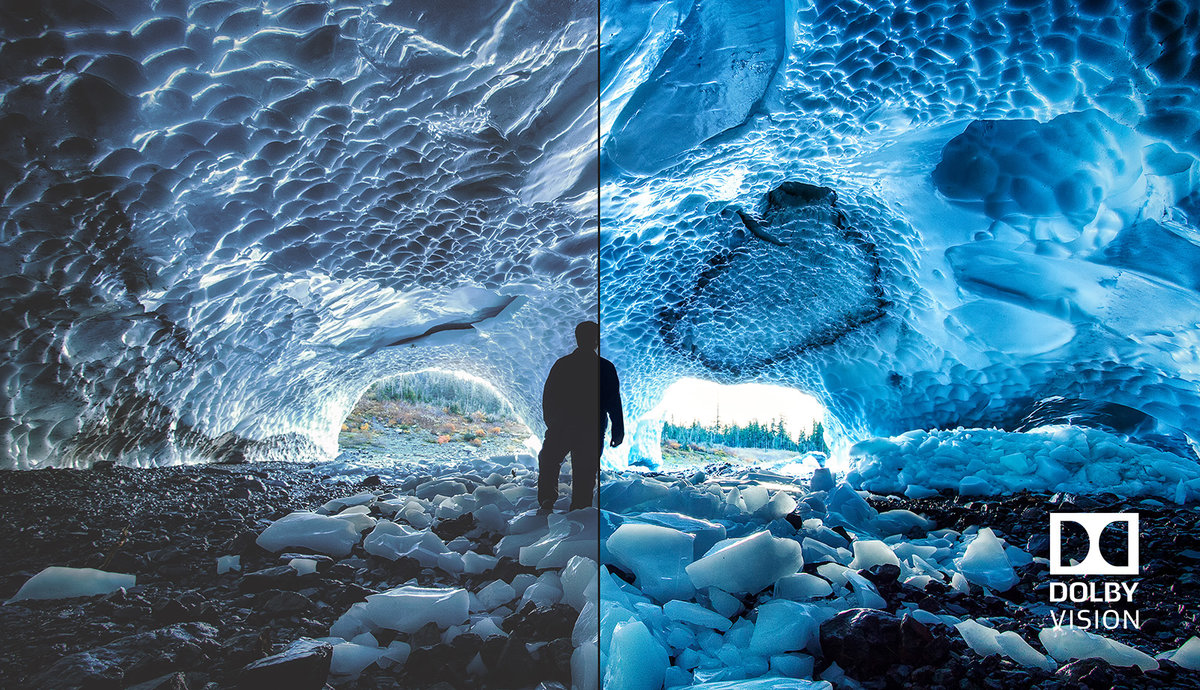
This will make your 4k HDR Dolby Vision export go much faster!
For comparison, my 7 minutes long 4k HDR 60fps Dolby Vision video took about 4 hours to render. Now it takes 20 minutes. Still a long time, but a lot shorter than 4 hours.
You will need Final Cut Pro and Apple Compressor.
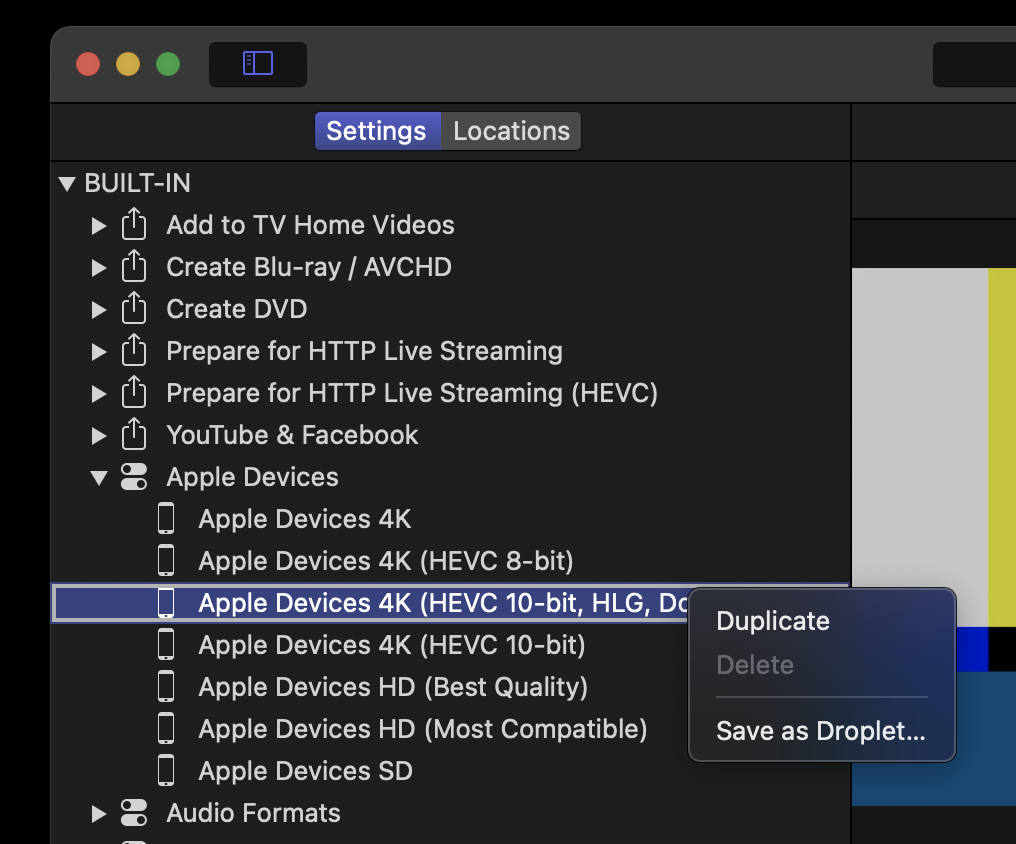
Open Compressor and duplicate the Apple Devices 4K (HEVC 10-bit, HLG, Dolby Vision 8.4).
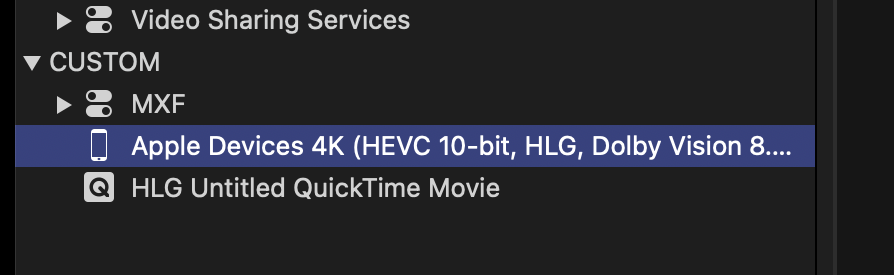
Select your custom copy
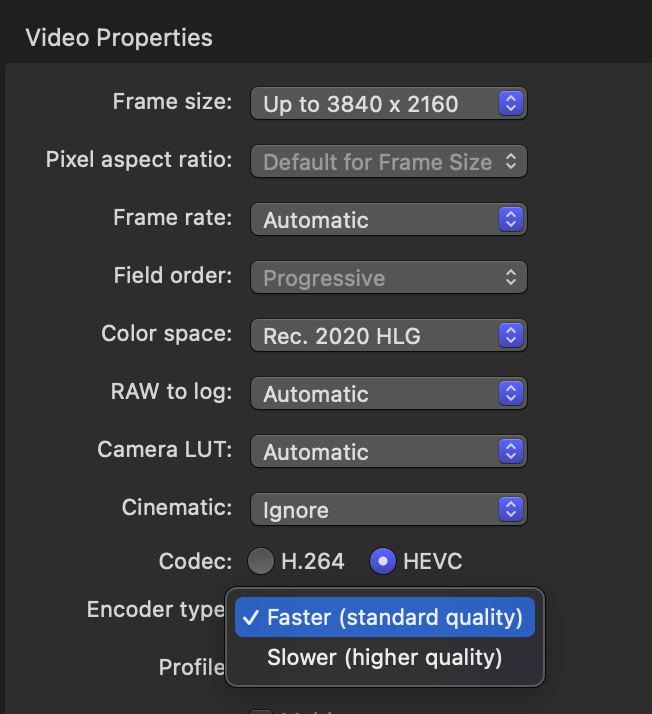
Change Encoder type to Faster to make the GPU do all the work instead of the CPU.
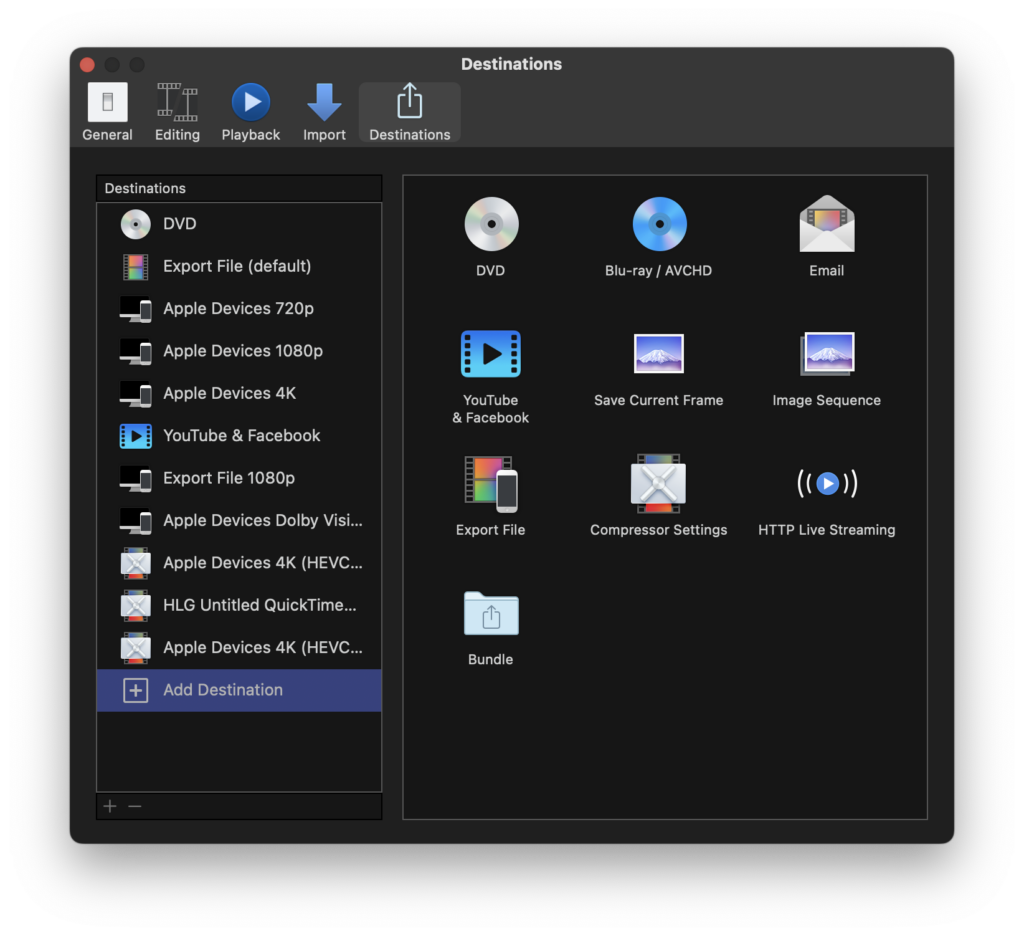
Now open Final Cut Pro and Add Destination, Compressor Settings and choose your newly created setting.
Use that destination the next time you want to export a 4k HDR Dolby Vision video.
All done!