
Do you love or hate all those Finder or Browser windows floating around?
If you hate it, just create this nifty keyboard shortcut to collect them into a single window!
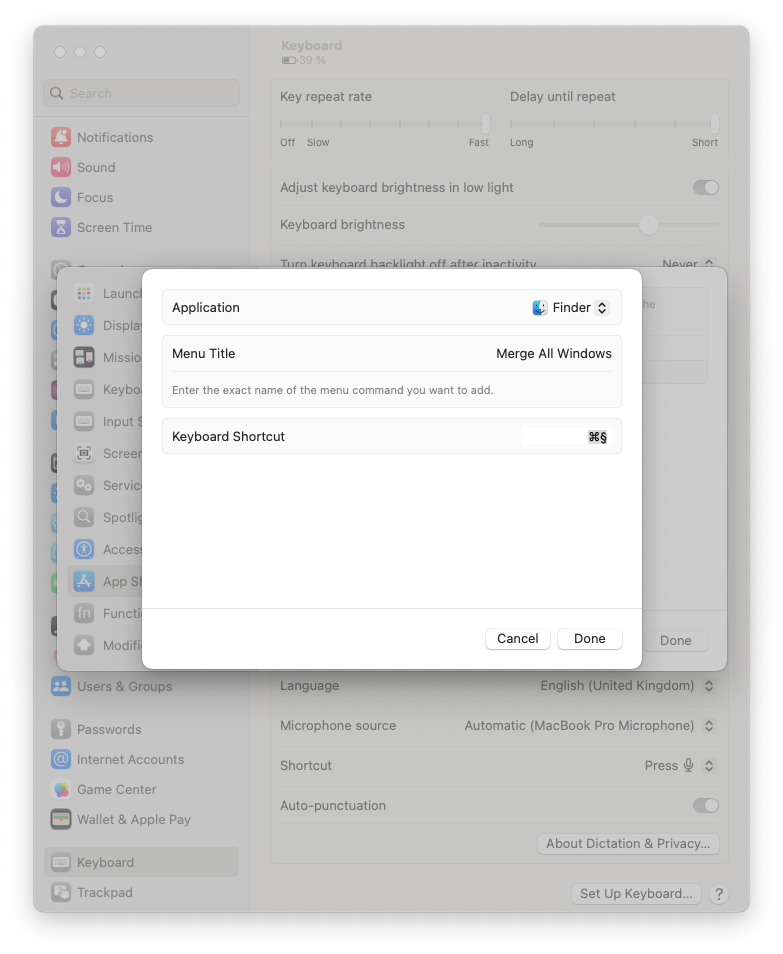
- Go to System Preferences / Keyboard / Keyboard Shortcuts… and select App Shortcuts.
- Click +
- Choose All Applications from the Application dropdown. If you only want this shortcut to work in finder, choose Finder.
- In the Menu Title, type Merge All Windows (or what it is called in your system language).
- Press desired key combination. For instance, cmd + §.