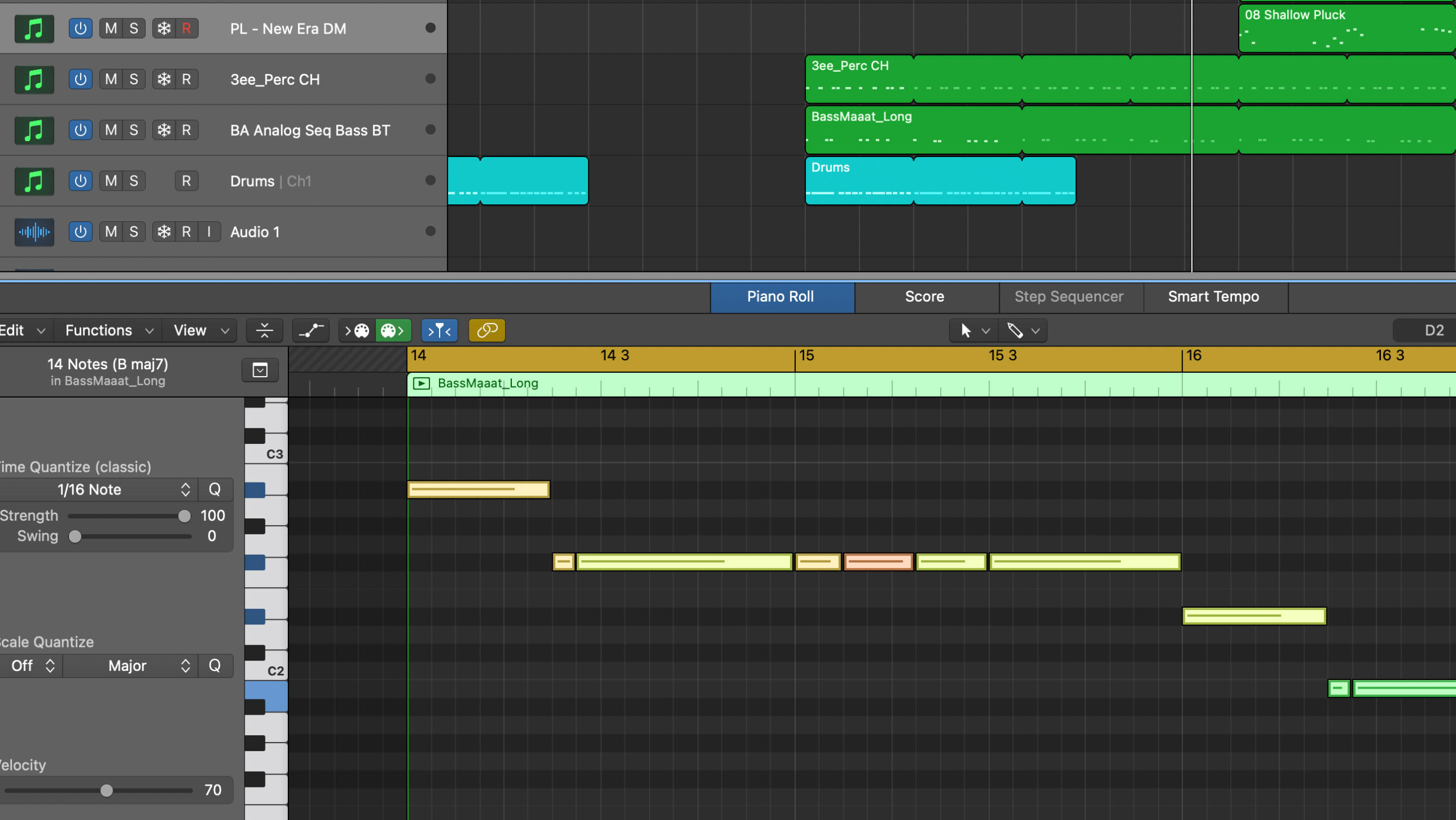
These keyboard shortcuts I use on a daily basis.
Tools menu
Press T followed by what tool to use. For example, G for Glue tool. Press T twice to reset to Pointer tool.
Second tool
Select what tool to use as second tool (I recommend the Sissors tool), and use command + click to use it.
Make notes the same length
Command + A to select notes, hold down shift + option and drag the end of the note.
Make notes the same velocity
Command + A to select notes, hold down shift + option and drag the velocity slider.
Move notes up and down
Hold down option and use arrow keys up and down. Hold down shift + option to move a whole octave.
Join regions
Command + J to join regions.
Force note legato
Select notes with command + A and press shift + Å (Swedish keyboard)
Change Screenset
Press 1 to 9 to change screen set.
In example above, press 2 and arrange how you want the screen set 2 to look. I suggest a mixer and a zoomed out overview of the song. Then press 1 and 2 to switch between the two screen sets.